Find answers to the most common questions about NEWARE battery testers, software, and testing procedures.
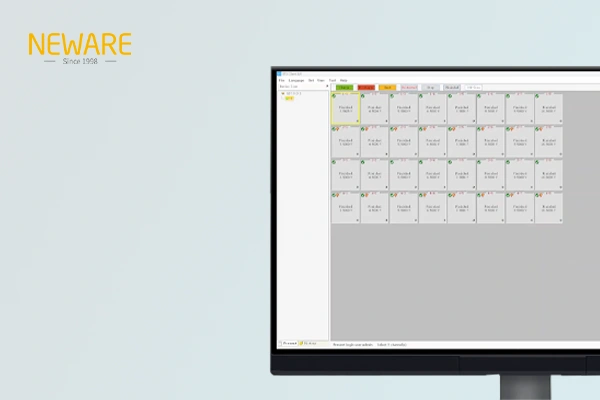
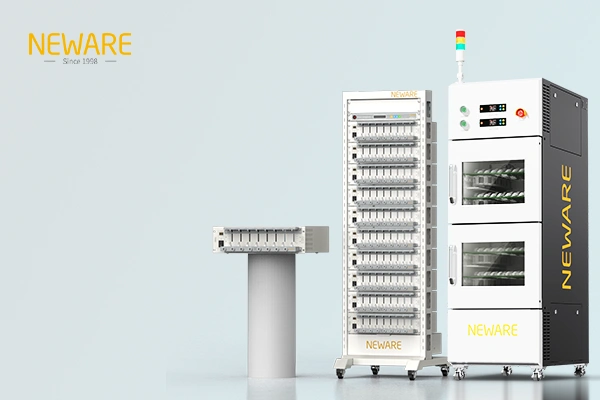
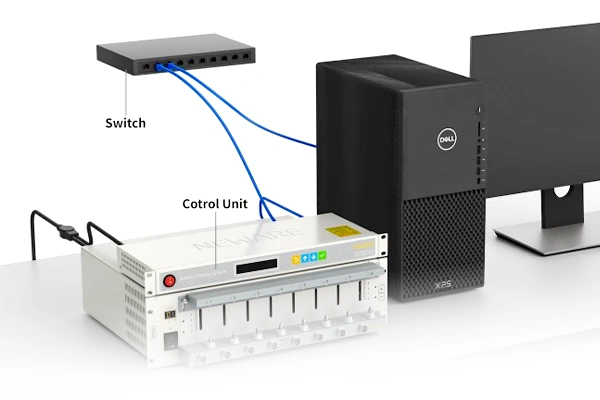
This guide introduces 7-step troubleshooting methods for communication failures between Neware control unit and computer. It covers wiring inspection, IP configuration, service status check, firewall settings, software repair, controller network parameter setup and ping test, helping users quickly solve connection problems of the battery test system.
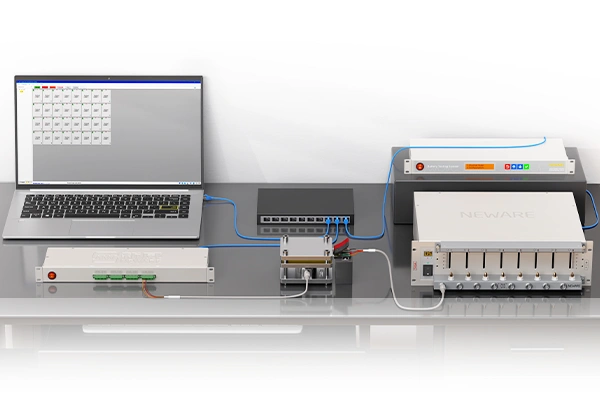
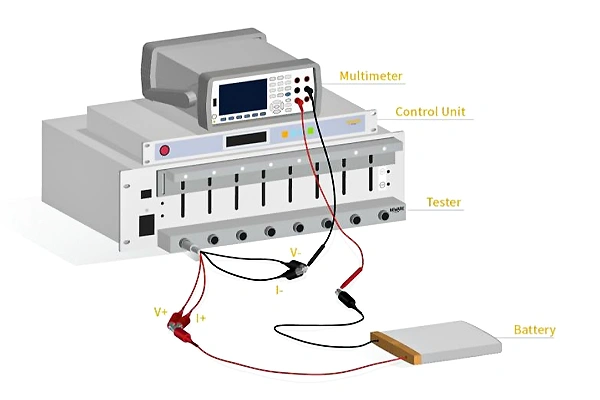
This tutorial describes the complete auto-calibration workflow for Neware battery tester, including device wiring, Windows firewall and IP setup, BTS software login, channel mapping, multimeter connection, auto-adjust operation and calibration data export.
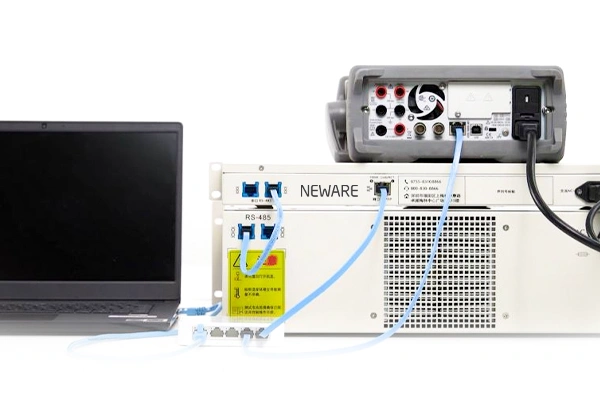
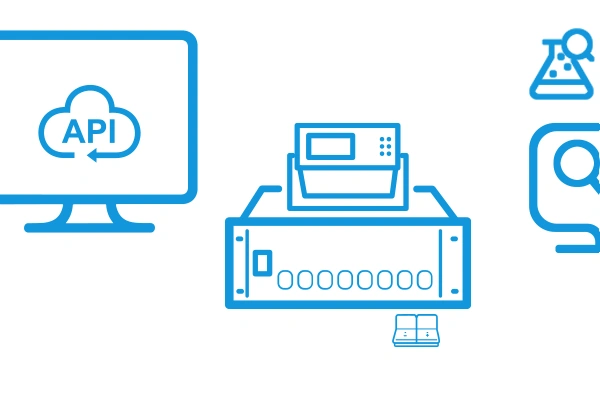
This section introduces the client registration API, client restart operation, API function verification via testing tools, TCP communication modes, and solutions for frequently encountered communication faults of the Neware battery test system.
Two methods to change NEWARE control unit IP: modify via device configuration menu, or update control unit IP inside BTS software, including server IP matching requirement for PC ethernet.
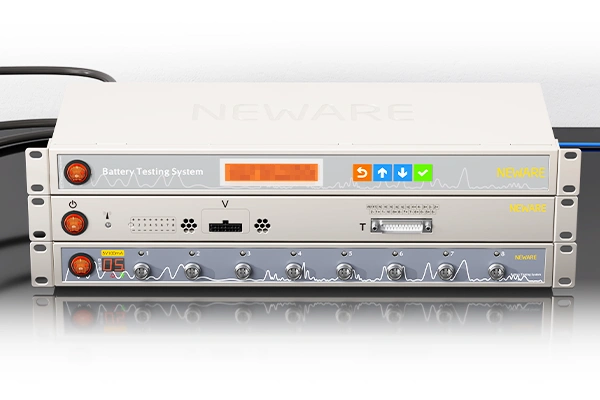
This tutorial covers manual current and voltage calibration for Neware battery tester, including hardware wiring, multimeter mode switching, Windows firewall and IP configuration, BTS software channel mapping, CC/DC current and CV/DV voltage calibration steps, and calibration data export.
Step-by-step troubleshooting guide for Neware control unit disconnection: check service status, PC static IP, control unit IP parameters, and network cable connections.
Complete manual calibration steps for Neware Bts current and voltage, including wiring, network setup, firewall configuration, software calibration and data export.
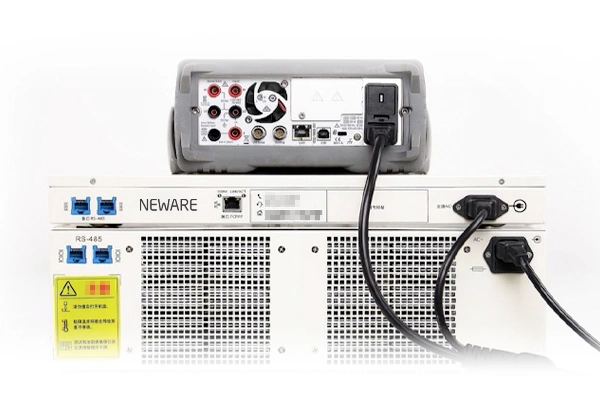
Troubleshooting steps for NEWARE BTS connection failure, including hardware check, IP configuration, firewall shutdown and service startup.
Guide to turn off Neware BTS beep alarm and reset audible visual alarm, including external alarm handling notes.
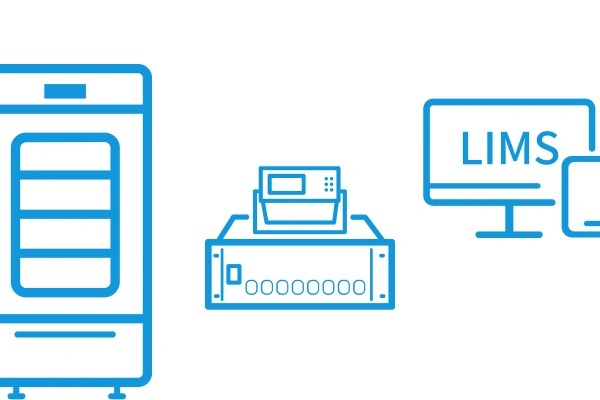
Our application engineers are ready to help with technical issues, calibration requests, and custom testing solutions.
