Frequently Asked Questions

All Frequently Asked Questions

The operating condition and pulse step recording time are not the same as absolute time
DATAS

The operating condition and pulse step recording time are not the same as absolute time

The recording time, also known as relative time exported in reports, is the execution time of the Control Unit steps. Absolute time is the same as computer time, continuously running, including stops, pauses, protections, etc.
Common questions regarding historical data continuity
SOFTWARE

Common questions regarding historical data continuity

1. Can NDA data from 4S_4.x be used for historical data continuity on the 4S_8.x Control Unit? No, currently historical data continuity only supports the use of the same type of Control Unit on the same server.
Why is the BTS software interface lagging when opened?
SYSTEM

Why is the BTS software interface lagging when opened?

Check if there are any abnormal settings related to backups, such as backup configurations or schedules, on the client interface.
How to set up disk full alerts?
SYSTEM

How to set up disk full alerts?

To set up disk full alerts, follow these steps:
Server disk space full: database migration guide
SOFTWARE

Server disk space full: database migration guide

Facing the issue of full disk space on your server and need to relocate your database to a new disk? Follow this step-by-step procedure to ensure a seamless transition.
Troubleshooting for MySQL And BTSServer Service Startup Issues
CONNECTION

Troubleshooting for MySQL And BTSServer Service Startup Issues

Three scenarios of NEWARE BTS MySQL and BTSServer startup faults, covering BTSServer reinstallation, MySQL forced startup and database table inspection solutions.
How to set up a temperature box when the "Set chamber" option is not available
How to set up a temperature box when the
SYSTEM

How to set up a temperature box when the "Set chamber" option is not available

To establish a temperature box in the BTS software interface, follow these steps:
The exported data does not contain AUX auxiliary channel data
SOFTWARE

The exported data does not contain AUX auxiliary channel data

Open the "System Settings" interface of the BTS client, and in the "Data Download" section, check if there is an option for "Export Auxiliary Channel Data." If the issue persists, it may be a bug. Please provide feedback to the after-sales team for resolution.
NEWARE BTS Alarm Sound Setting and Reset Guide
SYSTEM

NEWARE BTS Alarm Sound Setting and Reset GuideHOT

Guide to turn off Neware BTS beep alarm and reset audible visual alarm, including external alarm handling notes.
Incomplete channel display on BTS client interface
SYSTEM

Incomplete channel display on BTS client interface

The reason for incomplete display of the number of main channels, no channel display or offline channel display may be that the channels have not reset the mapping.
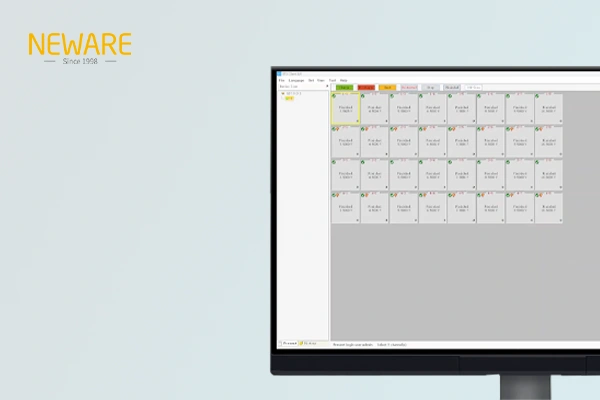
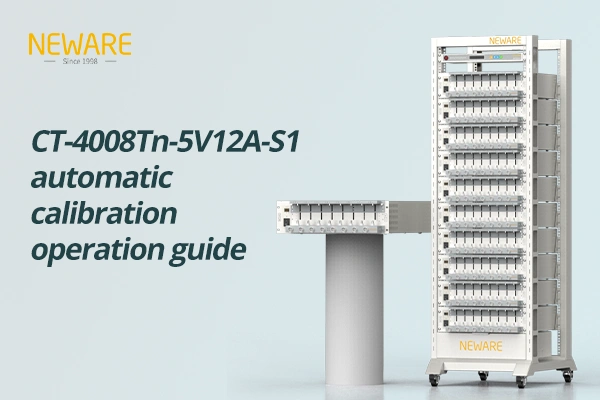
CT-4008Tn-5V12A-S1 Auto Calibration Operation Guide
HARDWARE

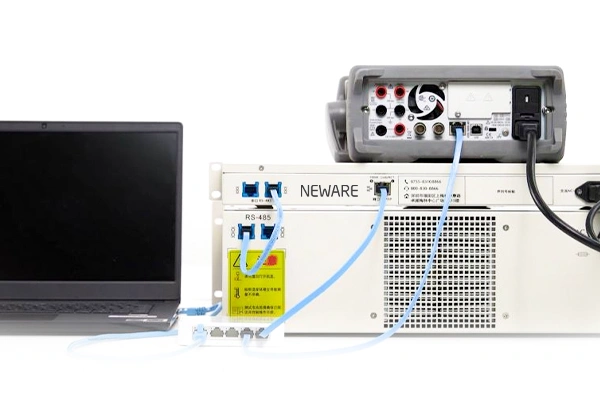
CT-4008Tn-5V12A-S1 Auto Calibration Operation GuideHOT

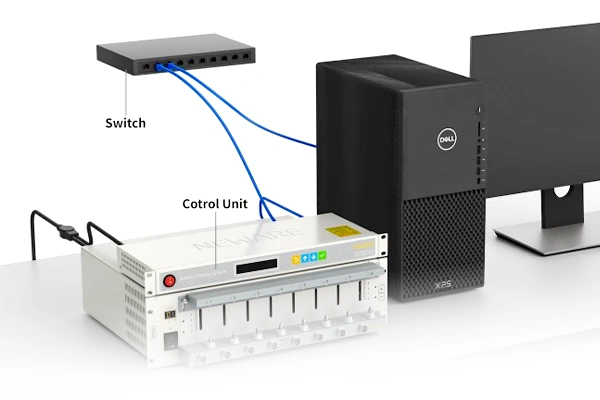
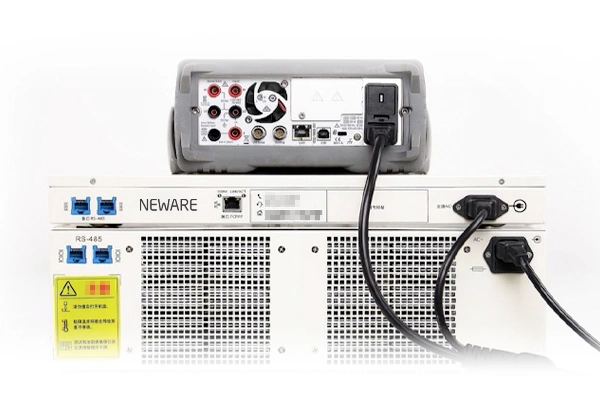
This tutorial describes the complete auto-calibration workflow for Neware battery tester, including device wiring, Windows firewall and IP setup, BTS software login, channel mapping, multimeter connection, auto-adjust operation and calibration data export.
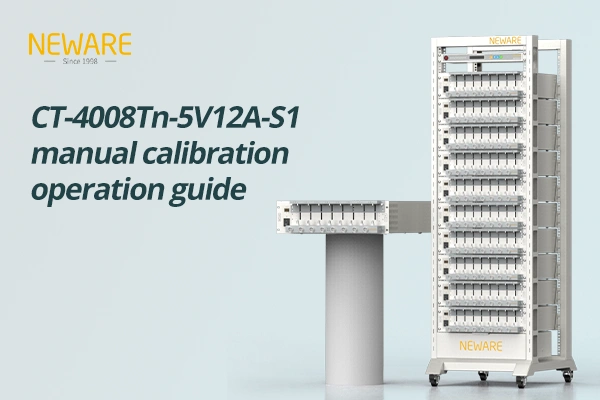
CT-4008Tn-5V12A-S1 Manual Current and Voltage Calibration Guide
HARDWARE

CT-4008Tn-5V12A-S1 Manual Current and Voltage Calibration GuideHOT

Complete manual calibration steps for Neware Bts current and voltage, including wiring, network setup, firewall configuration, software calibration and data export.
CT-4008Tn-5V6A-S1 automatic calibration operation guide
HARDWARE

CT-4008Tn-5V6A-S1 automatic calibration operation guide

1. Device connections; 2. General Setup Section of the Computer; 3. Guidance on BTS software operation; 4. Exported data;
CT-4008Tn-5V6A-S1 Manual Current & Voltage Calibration Guide
HARDWARE

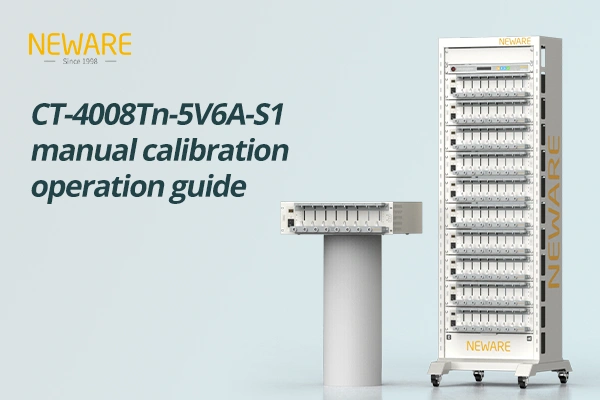
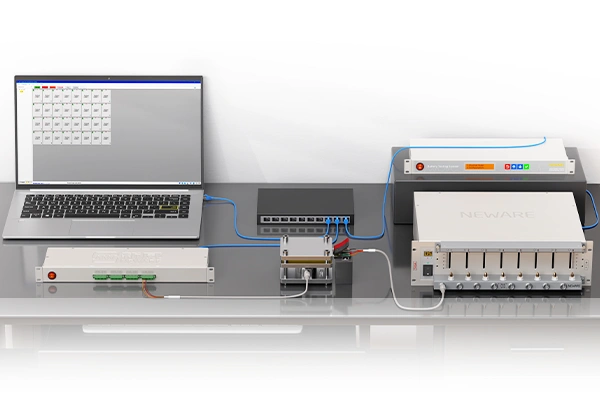
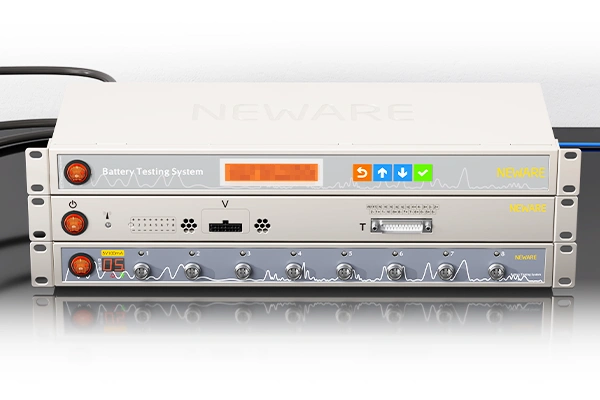
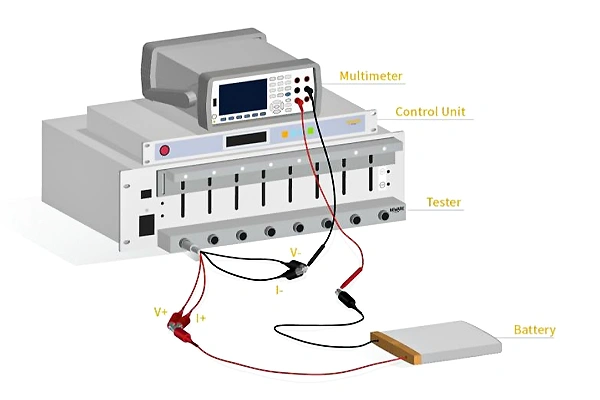
CT-4008Tn-5V6A-S1 Manual Current & Voltage Calibration GuideHOT

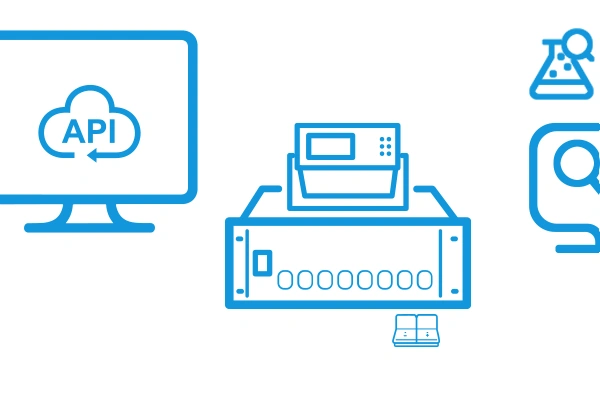
This tutorial covers manual current and voltage calibration for Neware battery tester, including hardware wiring, multimeter mode switching, Windows firewall and IP configuration, BTS software channel mapping, CC/DC current and CV/DV voltage calibration steps, and calibration data export.
Superposition of data measured at different rates
DATAS

Superposition of data measured at different rates

Scenario Description: When performing a rate test with the BTS software, data may be superimposed on two adjacent loops of a rate transition.
Different versions of software open data differently
DATAS

Different versions of software open data differently

Scenario Description: Some users test computer and data processing computer are separate, there may be a big difference between the data opened by the two computers. The following programs can be troubleshooting and processing.

Hot Questions

View all FAQs

Still can't find your answer?

Our application engineers are ready to help with technical issues, calibration requests, and custom testing solutions.

NEWARE and Cookies
We use cookies to personalize and improve your experience with our website. By continuing to browse the site you are agreeing to our use of cookies.